

What Is Occupational Health Software? A Complete Guide for Employers
July 2, 2026Tealio Team5 min read time
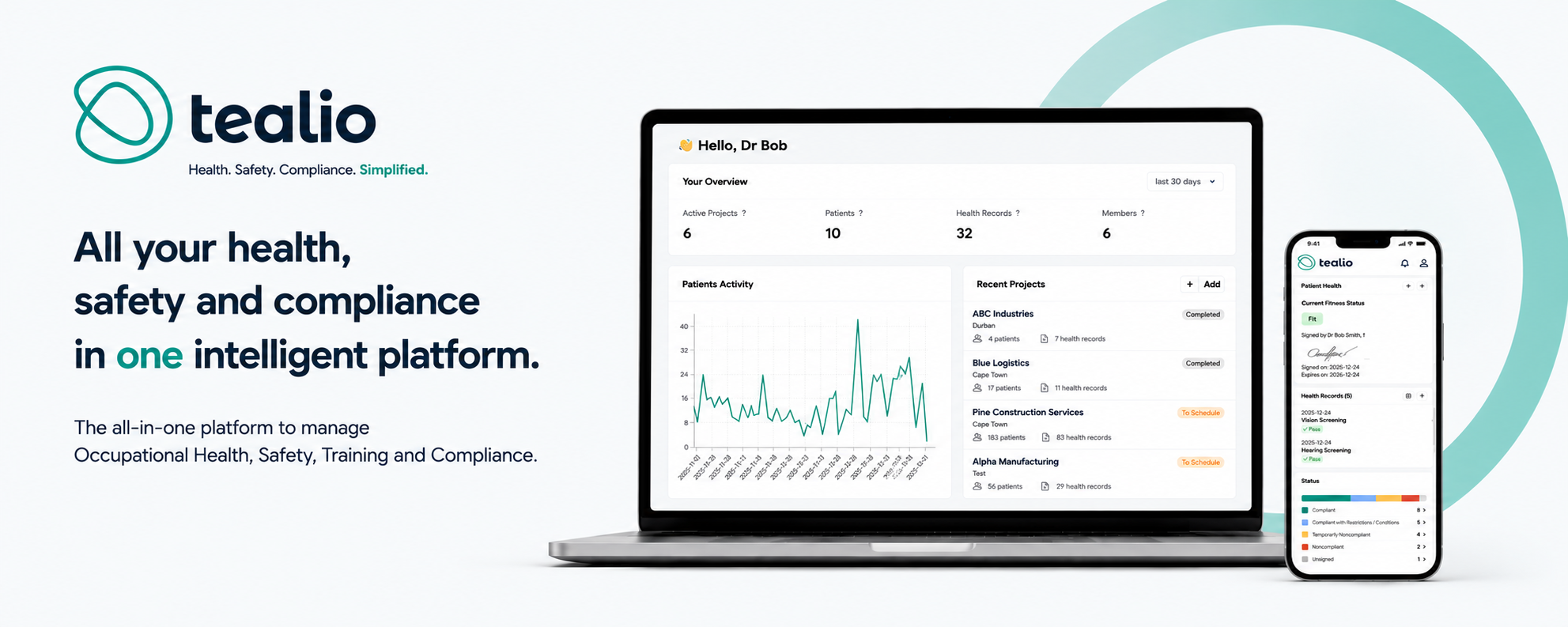
What Is Occupational Health Software? A Guide for Employers
Managing employee health records, workplace compliance, and medical surveillance is becoming increasingly complex for organizations of every size. Paper files, spreadsheets, and disconnected systems often create unnecessary administrative work, increase the risk of errors, and make it difficult to maintain compliance with workplace health regulations.
Occupational health software provides a modern solution by bringing employee health information, medical records, compliance documentation, and reporting into one secure digital platform. By streamlining these processes, organizations can improve efficiency, reduce administrative burdens, and make better-informed decisions about workforce health.
What Is Occupational Health Software?
Occupational health software is a digital platform designed to help employers manage workplace health programs, employee medical records, and regulatory compliance. Instead of relying on paper-based processes, organizations can securely store employee health information, schedule medical examinations, manage medical surveillance, and issue Certificates of Fitness from a single system.
By centralizing occupational health data, healthcare professionals and administrators have immediate access to the information they need while ensuring records remain accurate, secure, and easy to retrieve.
How Occupational Health Software Works
The process begins by creating a secure digital health profile for each employee. Based on the employee's job responsibilities and workplace exposures, the software determines which medical surveillance activities are required and automatically schedules upcoming examinations.
As medical evaluations are completed, healthcare professionals can record results electronically, attach supporting documents, review employee health history, and issue Certificates of Fitness. Managers can then monitor compliance, track outstanding medical examinations, and generate reports through real-time dashboards.
Why Organizations Are Moving to Digital Solutions
Many organizations still rely on manual processes to manage occupational health, but these systems become increasingly difficult to maintain as workforces grow. Paper records can be misplaced, reporting often requires significant manual effort, and important medical examinations may be overlooked.
Occupational health software eliminates these challenges by digitizing workflows, automating routine tasks, and providing instant access to employee health information. This not only improves efficiency but also helps organizations maintain compliance with workplace health requirements.
Benefits of Occupational Health Software
One of the greatest advantages of occupational health software is its ability to improve compliance by maintaining complete digital records and producing audit-ready reports whenever they are needed. Automated scheduling and reminders help ensure employees complete required medical examinations on time, reducing the risk of missed surveillance activities.
The software also improves productivity by reducing paperwork and eliminating duplicate data entry. Healthcare professionals spend less time on administrative tasks and more time delivering quality care, while managers gain real-time visibility into workforce health, medical surveillance status, and compliance performance.
Employees benefit from faster appointments, quicker access to Certificates of Fitness, and a more efficient healthcare experience overall.
Industries That Benefit
Occupational health software is widely used across industries where employee health monitoring is essential. Mining, manufacturing, construction, transportation, healthcare, energy, utilities, and other safety-sensitive industries all rely on effective medical surveillance and compliance management to protect employees and meet regulatory requirements.
Organizations with multiple facilities especially benefit from having a centralized platform that provides consistent processes and visibility across every location.
Choosing the Right Occupational Health Software
When evaluating occupational health software, organizations should look for a platform that includes digital employee health records, medical surveillance management, automated reminders, secure document storage, cloud accessibility, reporting dashboards, and support for multiple locations.
Choosing a scalable solution ensures the software can continue supporting organizational growth while adapting to changing regulatory requirements and operational needs.
The Future of Occupational Health
Technology continues to transform workplace healthcare. Modern occupational health platforms now offer cloud-based access, mobile medical assessments, electronic signatures, automated workflows, and advanced reporting capabilities that provide greater visibility into workforce health.
These innovations allow organizations to move beyond simply maintaining compliance and toward proactively managing employee health, reducing workplace risks, and improving operational performance.
Conclusion
Occupational health software has become an essential investment for organizations looking to modernize their workplace health programs. By replacing paper-based systems with a secure digital platform, employers can improve compliance, streamline medical surveillance, strengthen data security, and make more informed decisions using real-time information.
Whether your organization manages hundreds or thousands of employees, the right occupational health software can simplify operations, improve efficiency, and help create a safer, healthier workplace.
Modernize Your Occupational Health Program with Tealio
Tealio provides an all-in-one occupational health platform designed to simplify medical surveillance, employee health records, Certificates of Fitness, compliance reporting, and workforce health management.
Schedule a personalized demonstration today to see how Tealio can help your organization streamline occupational health processes and build a healthier, safer workforce.
Share this article on
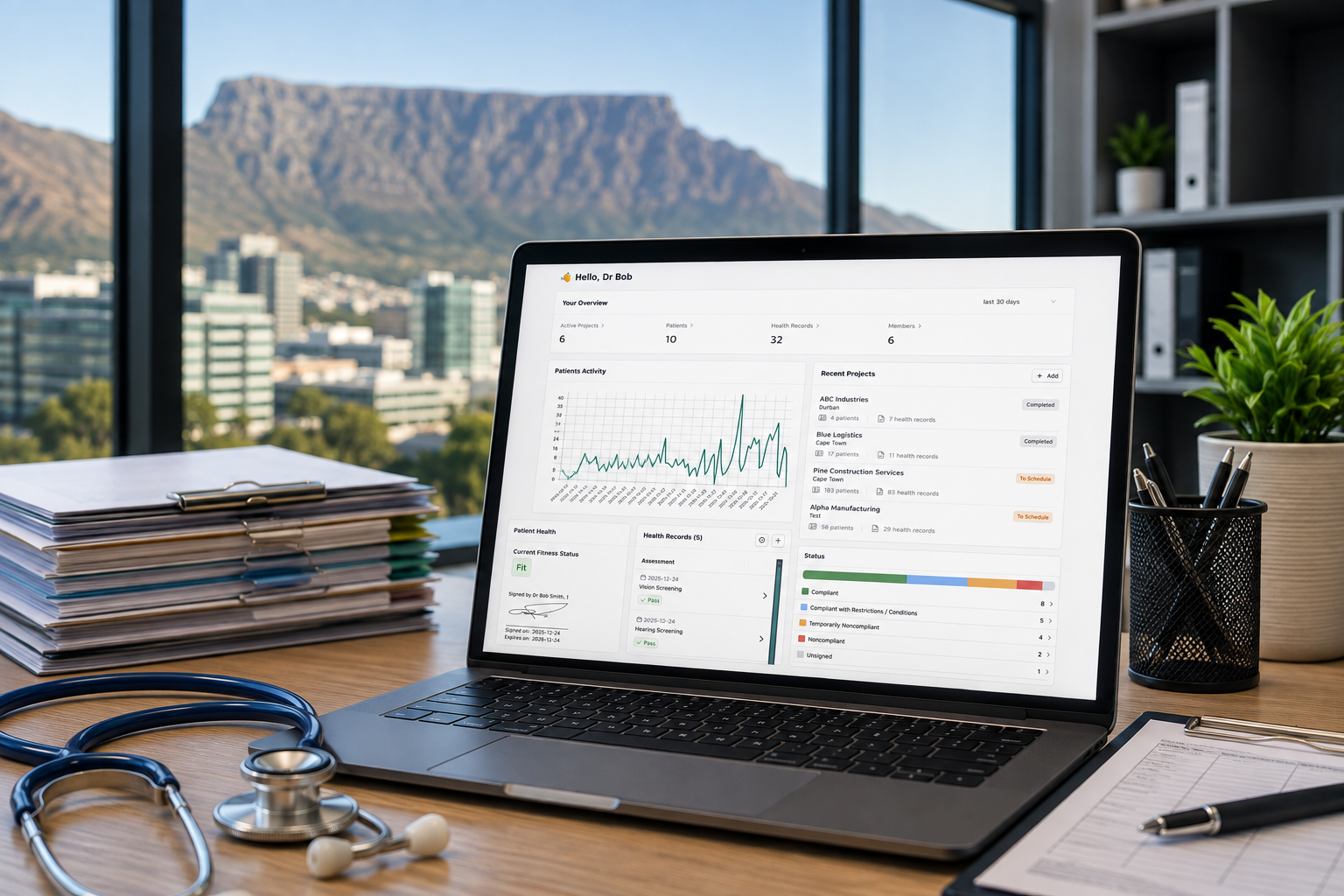

How Tealio can empower your organization?
Enable teams to optimize onboarding procedures, shift towards digital record-keeping, effortlessly create medical certificates, and take proactive measures to manage risks, all while maintaining smooth and efficient operations.
Learn MoreWe use performance and analytics cookies to optimize your experience on our website and services. By clicking ”Allow Cookies”, you consent to our use of cookies as described in our Cookie Policy. See our Cookie Policy.
